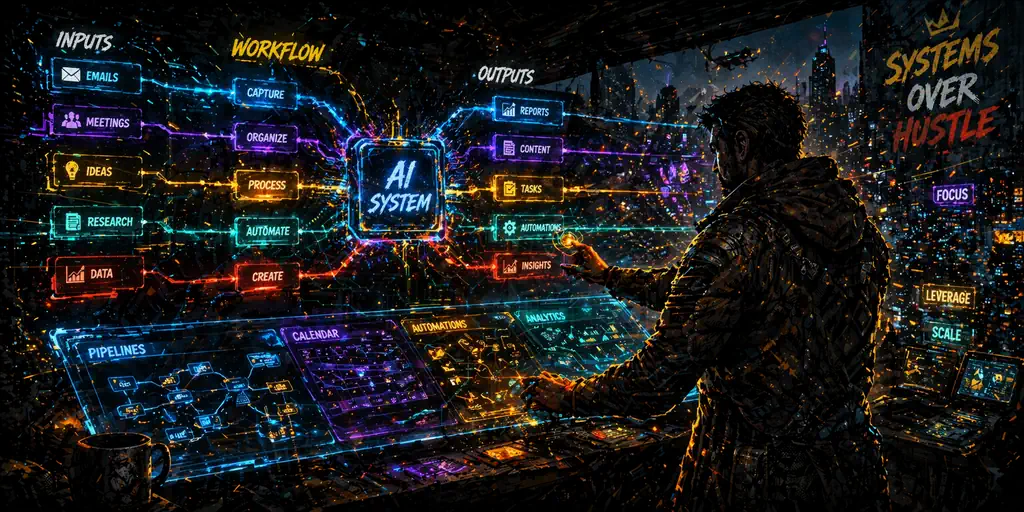
Calendar Auto-Blocking (Agent)
What I connect: Calendar + task list.
How I run it: I connect tasks and calendar, let AI draft focus blocks with buffers, then review around fixed meetings and deadlines.
What I get: A ready-to-run week without manual scheduling.
Email Writing + Replies (Agent)
What I connect: Email + calendar + tasks.
How I run it: I connect email, calendar, and tasks, then use AI to draft replies in my tone, suggest send order, and create follow-up reminders.
What I get: Faster inbox processing and fewer dropped threads.
Meetings To Action (LLM + Agent)
What I give: Meeting transcript or notes.
How I run it: I drop in meeting transcript or notes, have AI extract decisions, owners, and deadlines, then push actions into my planner.
What I get: Clean summary plus assigned actions in my system.
Content Pipeline (LLM)
What I give: Topic, audience, offer, and channel.
How I run it: I share topic, audience, offer, and channel, then have AI build hooks, outline, draft, CTA, and repurpose plan as one pipeline.
What I get: A repeatable publishing workflow instead of random posting.
Video To Assets (Specialized AI)
What I give: One long video or webinar recording.
How I run it: I upload one long recording, then use AI tools to cut clips, captions, key quotes, and summary assets for multiple channels.
What I get: Multi-format content from one source file.
Infographics + Visual Explainers (Design AI)
What I give: Raw script, stats, and visual style direction.
How I run it: I provide script, stats, and style direction, then have design AI map headline, sections, and visual cues into a shareable layout.
What I get: Shareable visual content without starting from a blank canvas.
Data and Spreadsheets (Analysis AI)
What I give: CSV or spreadsheet with business or habit data.
How I run it: I upload CSV or spreadsheet data, ask AI to identify trends and outliers, then turn findings into concrete actions for this week.
What I get: Clear insights and decisions instead of raw numbers.
Research and Comparison (LLM)
What I give: Decision criteria, budget, and constraints.
How I run it: I give decision criteria, budget, and constraints, then have AI compare options, surface tradeoffs, and rank best-fit choices.
What I get: Faster decisions with clearer reasoning.
Code and Workflow Automation (Coding AI)
What I give: Repetitive process steps and current tool stack.
How I run it: I map manual workflow steps and current tools, then use coding AI to draft automations and iterate until the process is reliable.
What I get: Time back through repeatable systems.